
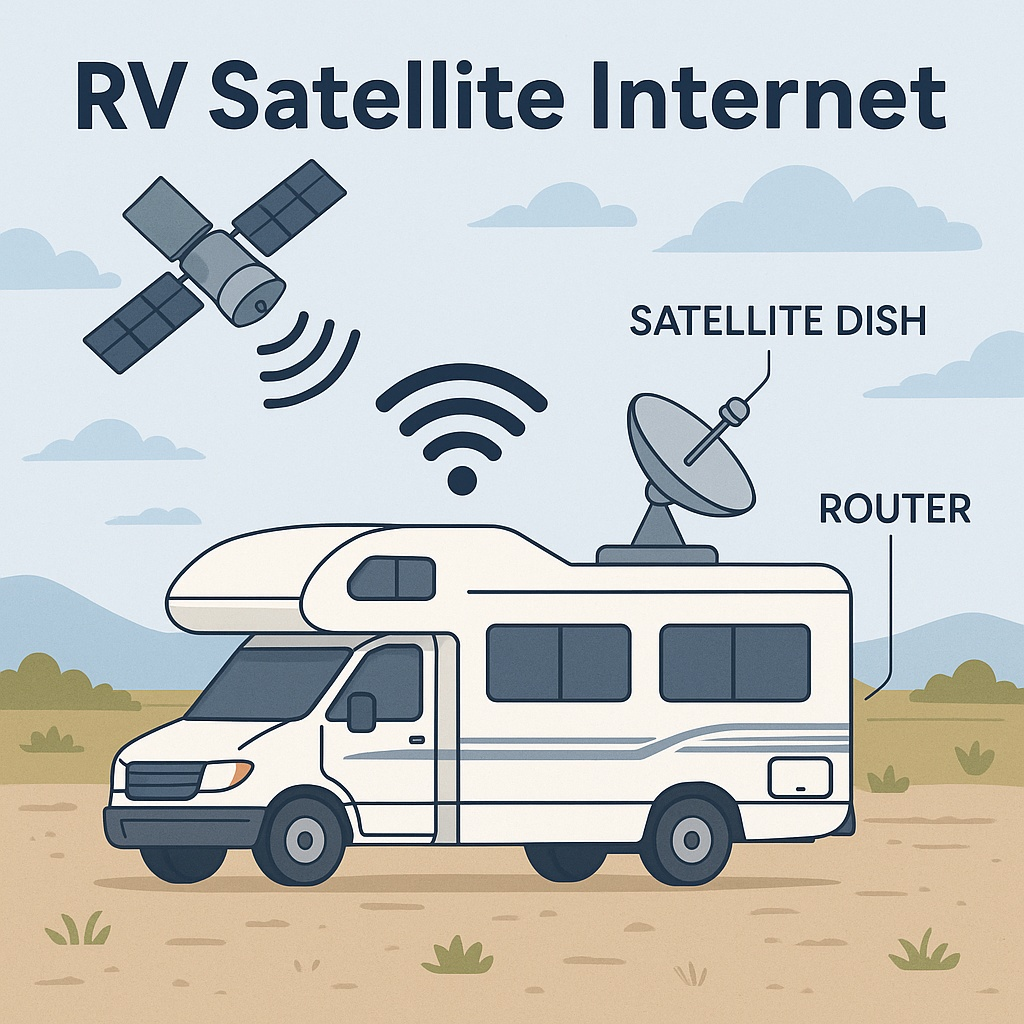
RV satellite internet is quickly becoming one of the most talked-about upgrades for campers and travelers who want reliable connectivity on the road. Whether you’re working remotely, streaming a favorite show, or want peace of mind in case of emergencies, having dependable internet is more important than ever.
However, with numerous options and some technical terms being thrown around, it’s easy to feel overwhelmed. What even is satellite internet—and do you really need it for weekend trips or seasonal travel?
Let’s walk through it together. This post will break down how satellite internet works for RVs, compare popular services like Starlink, HughesNet, and Viasat, explain how they handle weather, and even tell you which ones let you pause billing when you’re not using them.
What Is Satellite Internet?
Satellite internet sends a signal between a satellite dish and satellites orbiting Earth. This setup allows you to maintain internet access even when you’re far from cell towers or traditional Wi-Fi connections.
There are two main types:
– Geostationary (GEO) satellites: Used by HughesNet and Viasat, these satellites orbit 22,000 miles above Earth and stay in a fixed spot. Because the signal travels such a great distance, speeds are slower, and latency (lag) is higher.
– Low Earth Orbit (LEO) satellites: Starlink uses these. They orbit much closer to the Earth, which allows for faster speeds and significantly lower latency (lag)—great for video streaming or Zoom calls.
Think of it like this: GEO systems are like mailing a letter across the world, while LEO systems are more like texting your neighbor.
RV Satellite Internet for Remote Camping
If you’ve ever camped in a spot with no bars on your phone, you know how frustrating—and even nerve-wracking—it can be. During a trip to Davis Mountains State Park, we were without cell service and internet, not even for a quick text. The area was beautiful, but not being able to use the internet for work, communicating with family, and so on, was concerning, so much so that we drove through Fort Davis and then went to Fort Stockton (90 miles away) in hopes of finding a store that could get us started with satellite internet.
And it’s not just isolated parks. In parts of Texas, you can drive for hours without a strong cell signal. That’s where satellite internet starts to make a lot of sense.
Satellite Internet Providers for RVers
Let’s break down the major options so you can see which one fits your needs—and your travel style.
Starlink
Starlink Roam is a portable, high-speed internet service designed for RVers and nomads. It uses a compact dish that automatically finds the best satellite and provides fast internet almost anywhere you park.
Download speeds: 100–200 Mbps
Upload speeds: 10–20 Mbps
Latency: 20–40 ms
Weather Performance: Rain, snow, and dense clouds can cause temporary performance slowdowns. Starlink generally performs well but may experience brief signal drops during severe weather or when there is excessive tree coverage.
Setup: The portable RV setup takes about 10 minutes. Just plug it in, use the app to check for obstructions, and you’re online.
Billing Flexibility: One of the best features: you can pause service anytime and only pay for the months you use. If you unpause mid-month, your charge is prorated.
Pros:
– Fast speeds and low latency(lag time)
– Simple setup
– Portable for frequent travel
– Works in areas with no cell coverage
– You’re not locked into monthly billing
Cons:
– Higher upfront equipment cost
– Needs a clear sky—dense trees or steep canyons can interfere
– Requires some storage space for the dish when not in use
Recommendation: Space X Starlink Mini Satellite Dish-4th gen Portable and Starlink Roam https://www.starlink.com/roam. Equipment can be purchased on Amazon, but you will need a “plan” from Starlink.
HughesNet
HughesNet uses geostationary satellites and a larger dish that’s typically mounted at a fixed location. It’s better suited for RVers who park in one place for extended periods.
Download speeds: up to 100 Mbps
Upload: 3–5 Mbps
Latency: ~600 ms
Weather Performance: Generally stable in light weather. Heavy snow or storms may require you to clear the dish.
Billing Flexibility: HughesNet allows seasonal suspension—up to 180 days per year—but you’ll still pay an equipment lease fee during the pause.
Pros:
– Widely available in the U.S.
– Works well for general browsing and email
– Seasonal service pause available
Cons:
– Not great for streaming or video calls
– Slower speeds and higher latency
– Must call customer service to pause billing
– Still pay equipment fees when not in use
Recommendation: The equipment is not available for sale on Amazon. Visit their site for more information https://www.hughesnet.com
Viasat
Viasat also uses GEO satellites. Like HughesNet, it’s designed for more stationary setups and not typically marketed for mobile use.
Download: Up to 150 Mbps (might be lower during peak hours)
Latency: ~600 ms
Weather Performance: Performs reliably under normal conditions; however, heavy storms or snow can reduce signal strength or necessitate maintenance.
Billing Flexibility: Viasat does not offer an option to pause billing. To avoid charges, you’d have to cancel your service entirely, which may include reactivation fees if you decide to return.
Pros:
– Competitive download speeds (in ideal conditions)
– Suitable for long-term stays in rural areas
Cons:
– No pause option
– High latency makes it less suited for real-time communication
– Setup is more complex and not portable
Recommendation: The equipment is not available for sale on Amazon. Visit their website for more information: https://www.viasat.com/internet
Satellite Internet Setup & Storage
Starlink Roam – ~10-minute setup, highly portable, needs a clear sky and some storage for the dish.
HughesNet – Requires professional or manual installation, typically fixed, and always on.
Viasat – Similar to HughesNet; only for stationary setups.
Choosing the Right Satellite Internet for Your RV Lifestyle
Wondering if RV satellite internet is right for you? Ask yourself:
– Do you travel to areas with poor or no cell signal?
– Rely on the internet for streaming, work, or video calls?
– How do you camp? seasonally or full-time?
Your answers will help guide you toward the right provider.
RV Satellite Internet for Weekend Trips vs. Full-Time Travel
Satellite internet has come a long way and can truly change the way you travel. Whether you’re boondocking in West Texas or camping at a state park with no internet available, having a reliable connection makes a big difference—for safety, convenience, and even working.
Starlink stands out with its fast speeds, ease of setup, and flexible billing, making it especially appealing to RVers who enjoy roaming. HughesNet and Viasat are better suited for individuals who stay in one place for an extended period and don’t require high-speed connections.
Whatever your travel style, the right internet setup will give you peace of mind and a more connected experience wherever the road takes you.